CAD3 min read
CAD Drafting Services in Melbourne: What You Actually Get
What happens inside CAD drafting, from sketch to extrude to features, why a parametric model saves you later, and what to send our Melbourne studio to start.
If you are looking for CAD drafting services in Melbourne, you probably have one of three things: a sketch, a broken part, or an idea you can describe but not draw. All three end up the same way, as a 3D model with real numbers in it. This post walks through what happens between your photo and the printer, so you know what you are paying a CAD designer to do and what you get back.
What CAD drafting means for a physical part
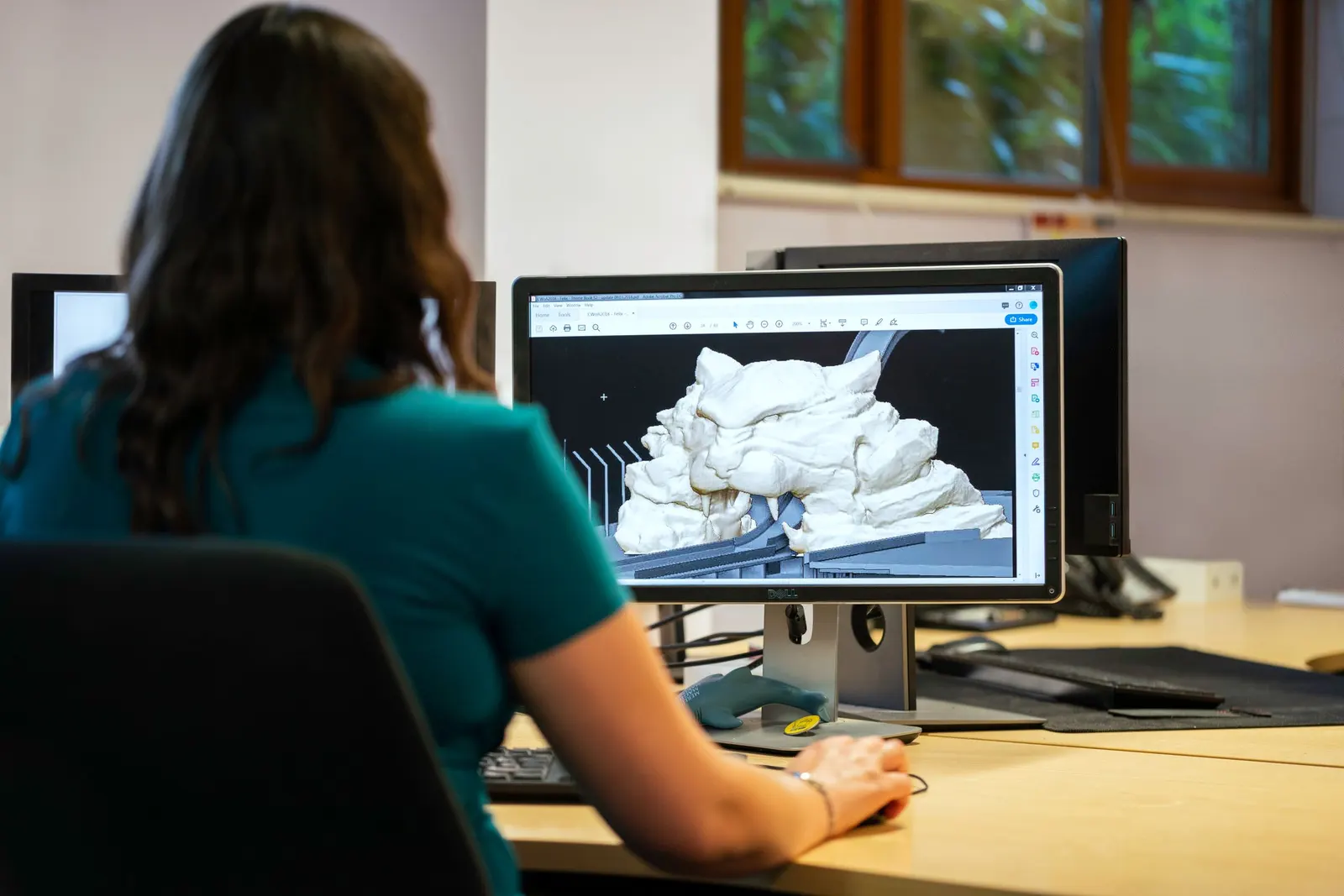
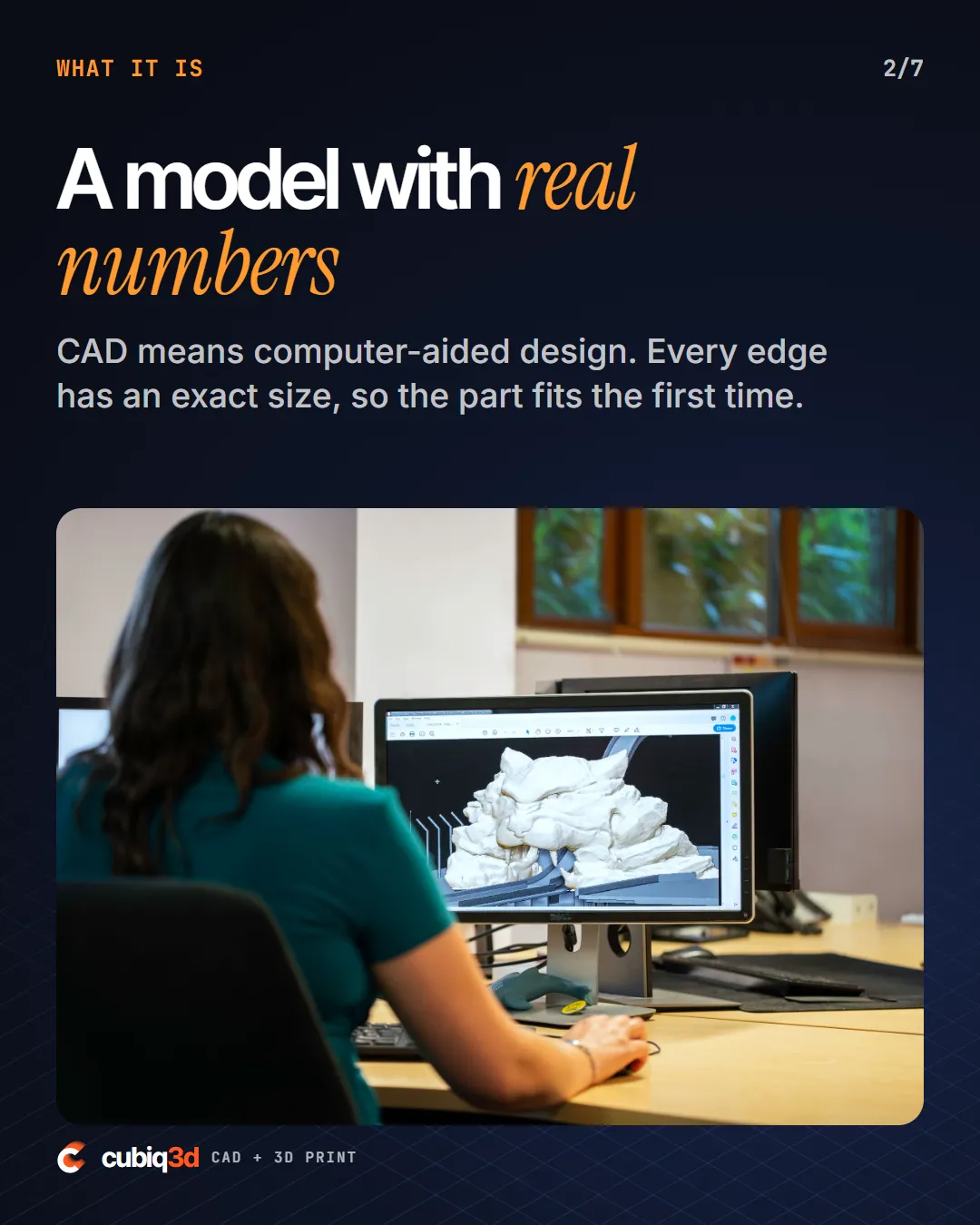
CAD stands for computer-aided design. For the parts we work on, it means a solid 3D model where every edge has an exact size. Traditional drafting produced 2D drawings for a machinist to read. Modern CAD still produces those drawings when you need them, but the model itself is the main product: it can go straight to a 3D printer, a CNC shop or an injection moulder.
How a CAD model is built
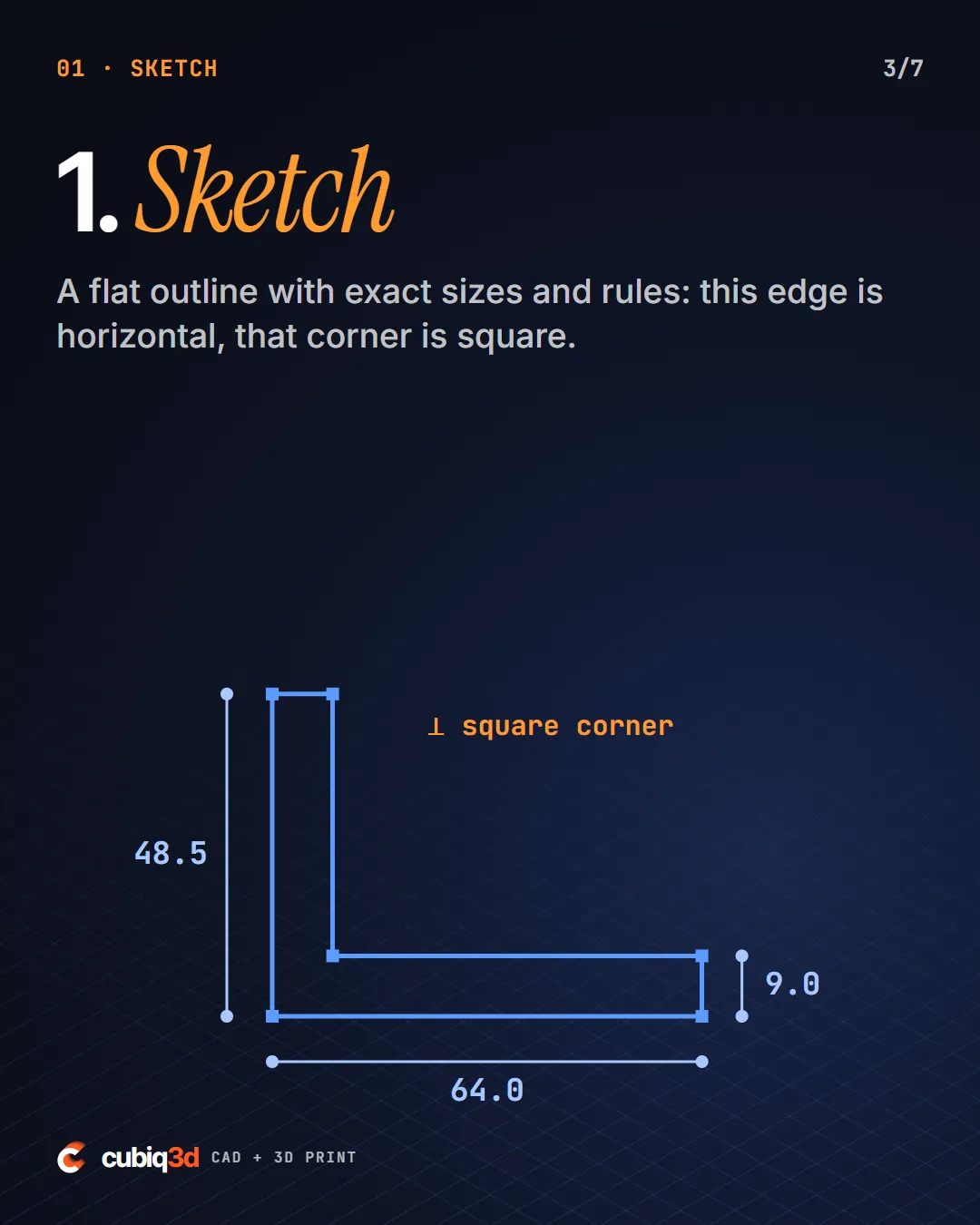
- 1SketchA flat outline with exact sizes and rules: this edge is horizontal, that corner is square, these two holes are 40 mm apart. The rules matter as much as the numbers, because they keep the shape correct when something changes.
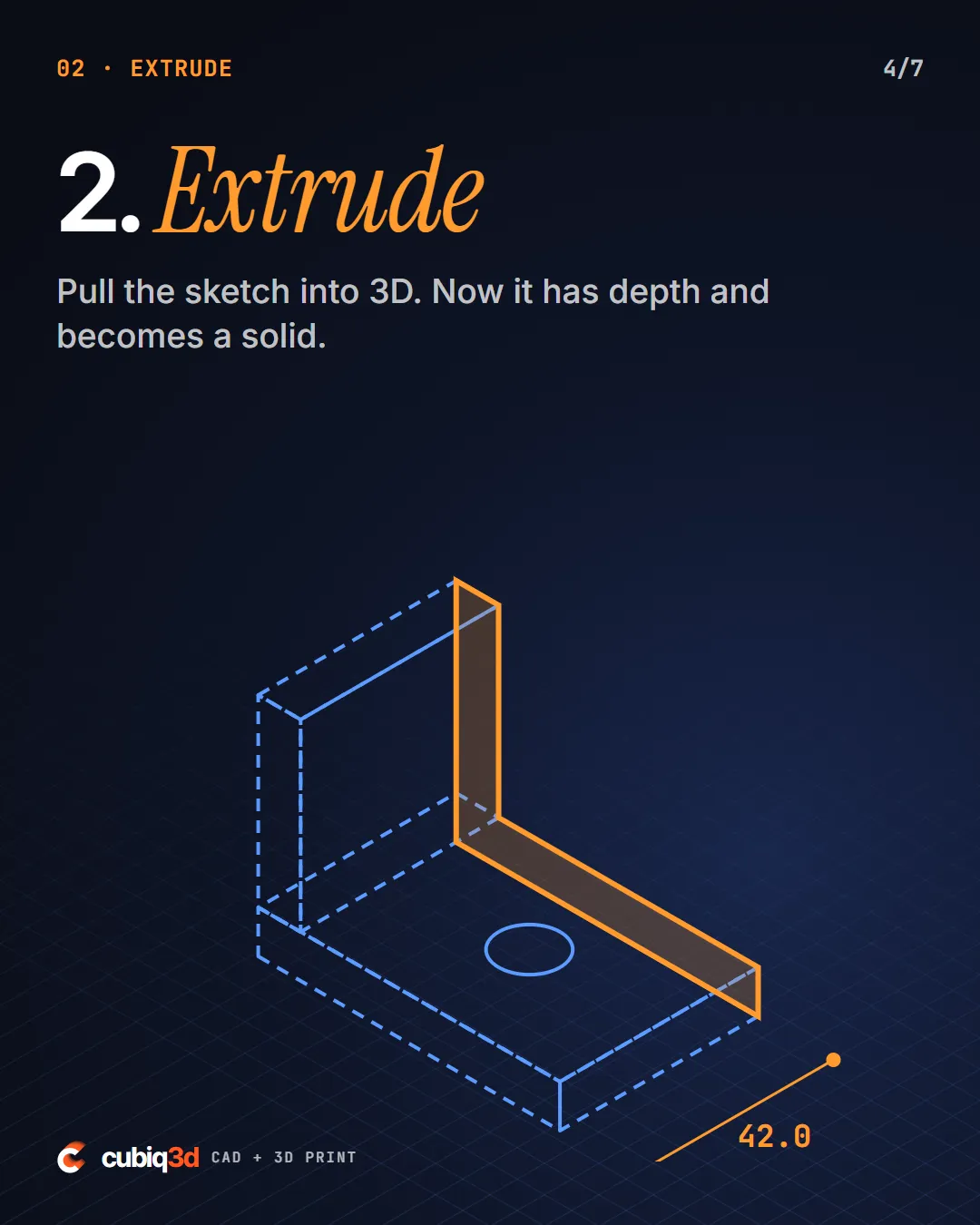
- 2ExtrudePull the sketch into 3D so it has depth and becomes a solid. Some shapes are revolved around an axis instead, like a knob or a spacer.
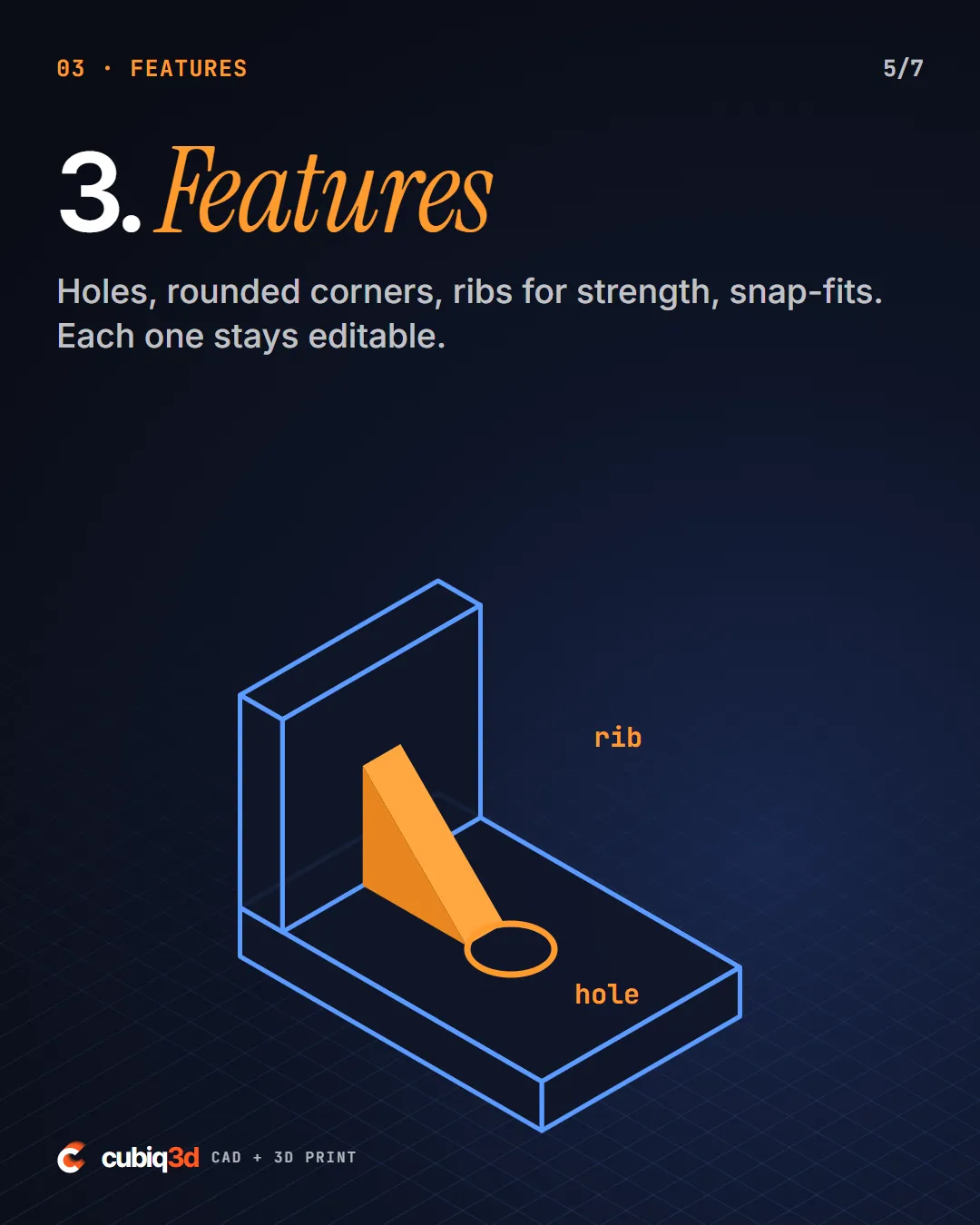
- 3FeaturesHoles, rounded corners, ribs for strength, snap-fit hooks, chamfers, threads. Each feature is stored as a step in a history, so it stays editable.
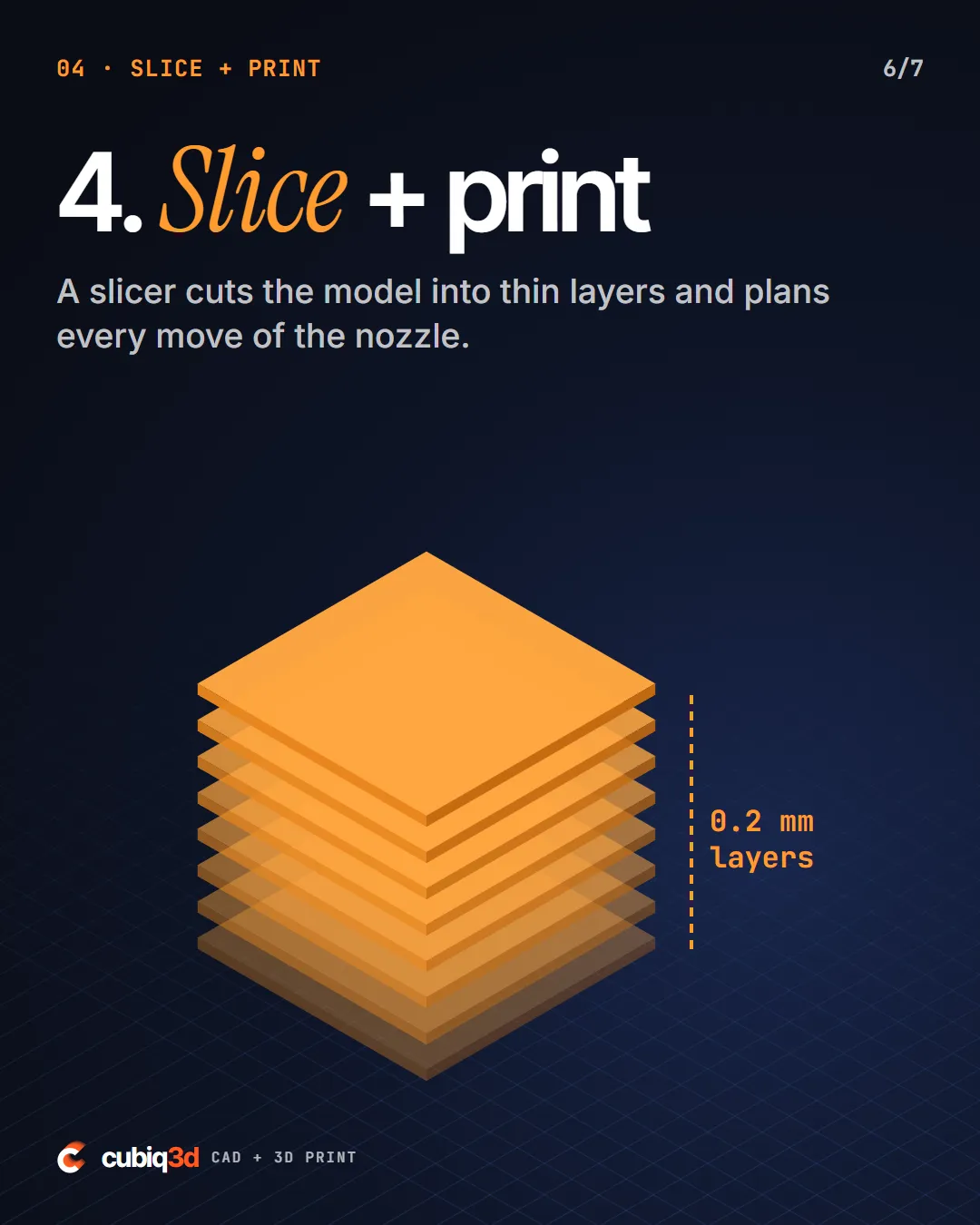
- 4Check and exportWe check wall thickness, clearances and how the part will print, then export the format you need: a STEP file, an STL for printing, or a PDF drawing.
Why a parametric model saves you later
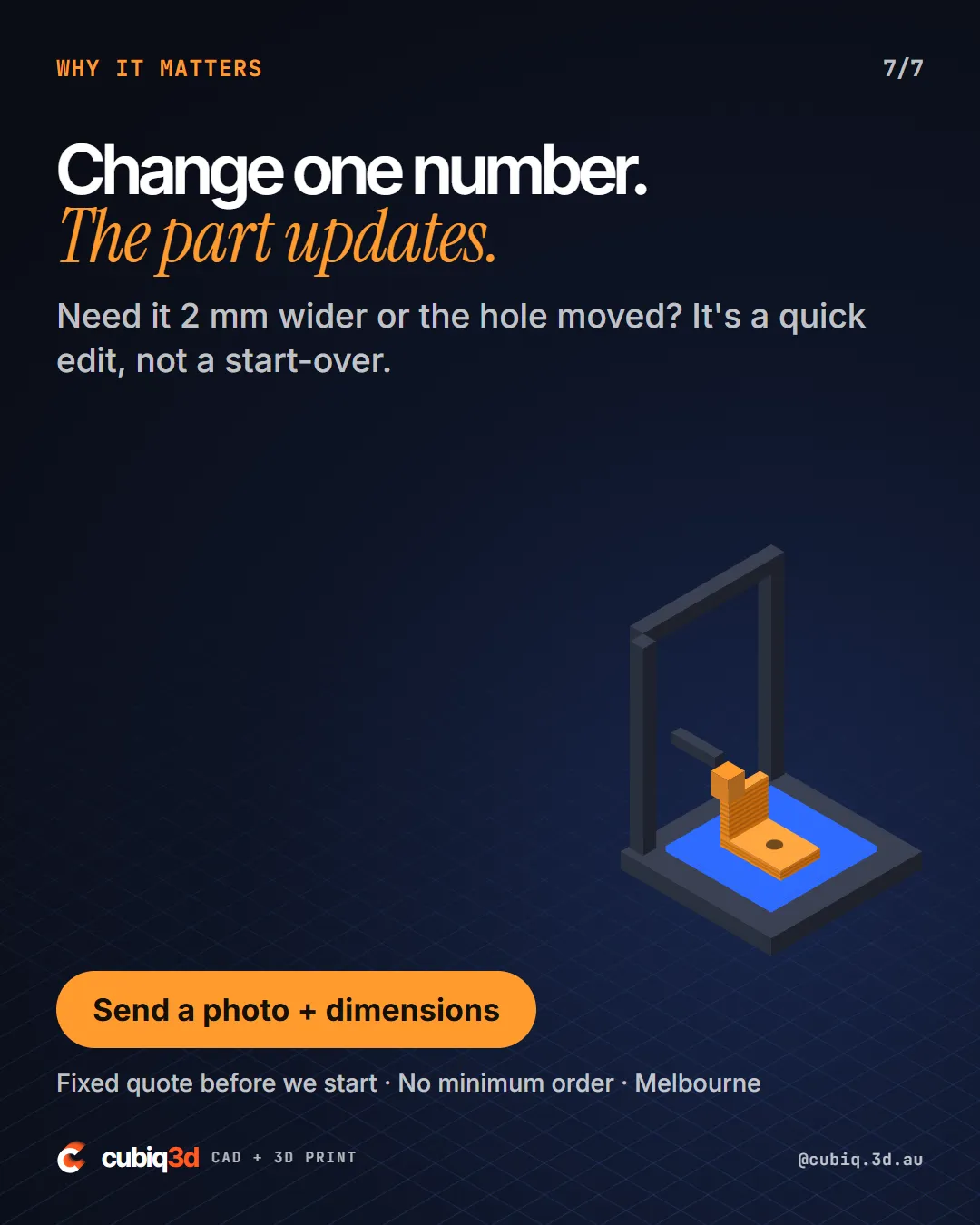
Good CAD is parametric: the model is driven by its dimensions. Need it 2 mm wider? Need the hole moved? Change the number and the whole part rebuilds around it. That is the real difference between a CAD drafting service and someone tracing a shape. A traced mesh can be printed once. A parametric model can be revised, made in a family of sizes, or handed to a manufacturer years later.
| File | What it is | Use it for |
|---|---|---|
| STEP (.step / .stp) | Exact solid geometry in a neutral format | Sending to another designer, CNC or moulding |
| STL | A triangle mesh of the surface | 3D printing |
| PDF drawing | 2D views with dimensions | Checking, approval, machinists |
| Native file | The model with its full history | Editing in the same CAD program |
STEP is defined in the ISO 10303 standard and is read by nearly every serious CAD program (ISO 10303 overview), which is why we suggest it as the file to keep.
Quick question
What are you starting with?
To get the most from a CAD drafting job
0/4What makes a CAD drafting job go smoothly
Most of the work in a CAD job is not drawing, it is deciding. Which edge does the part locate on? Which hole positions are fixed by the thing it bolts to? How much clearance does a sliding fit need in the plastic it will be printed in? The more of those answers you bring, the less back-and-forth there is. If you don't know, that's fine: asking those questions is part of the job, and we'll tell you which ones matter.
Our CAD design service in Melbourne does this every day, for one-off replacement parts through to product prototypes. If the part needs printing too, we do that in the same studio.
Questions people ask
What CAD file will I receive?
Usually a STEP file and an STL. We can also supply a PDF drawing with dimensions. Ask for whatever your next step needs.
Can you work from a hand sketch?
Yes. A photo of a sketch with sizes in mm is a very common starting point. We will ask about anything the sketch doesn't pin down.
Is CAD drafting only for 3D printing?
No. The same model can be used for CNC machining, laser cutting or moulding. We will tell you if a design needs changes for a particular process.