Guides3 min read
3D Print Orientation for Strength: Why Layer Direction Matters
Print orientation for strength: why 3D prints are strongest along their layers and weakest between them, and how we orient each part in our Melbourne studio.
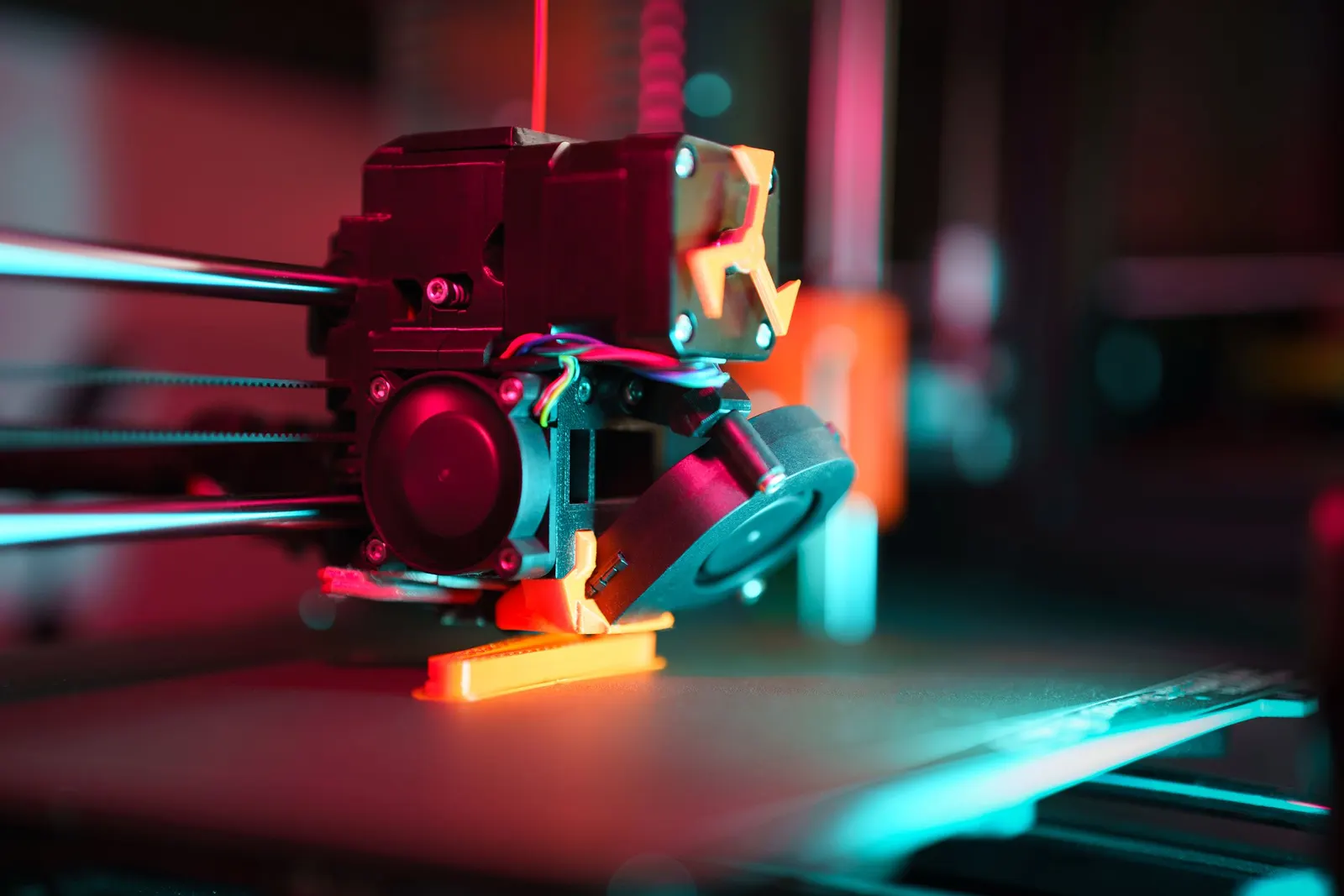
Print the same bracket twice, once lying flat and once standing up, and you can get two very different parts. Same plastic, same settings, same file, but one snaps in your hand and the other holds. The difference is how the layers run. Getting 3D print orientation for strength right is often the biggest single improvement you can make to a functional part, and it costs nothing but a moment's thought before printing. It is one of the first things we decide for every part at our Melbourne studio.

Why layers make a print stronger one way than another
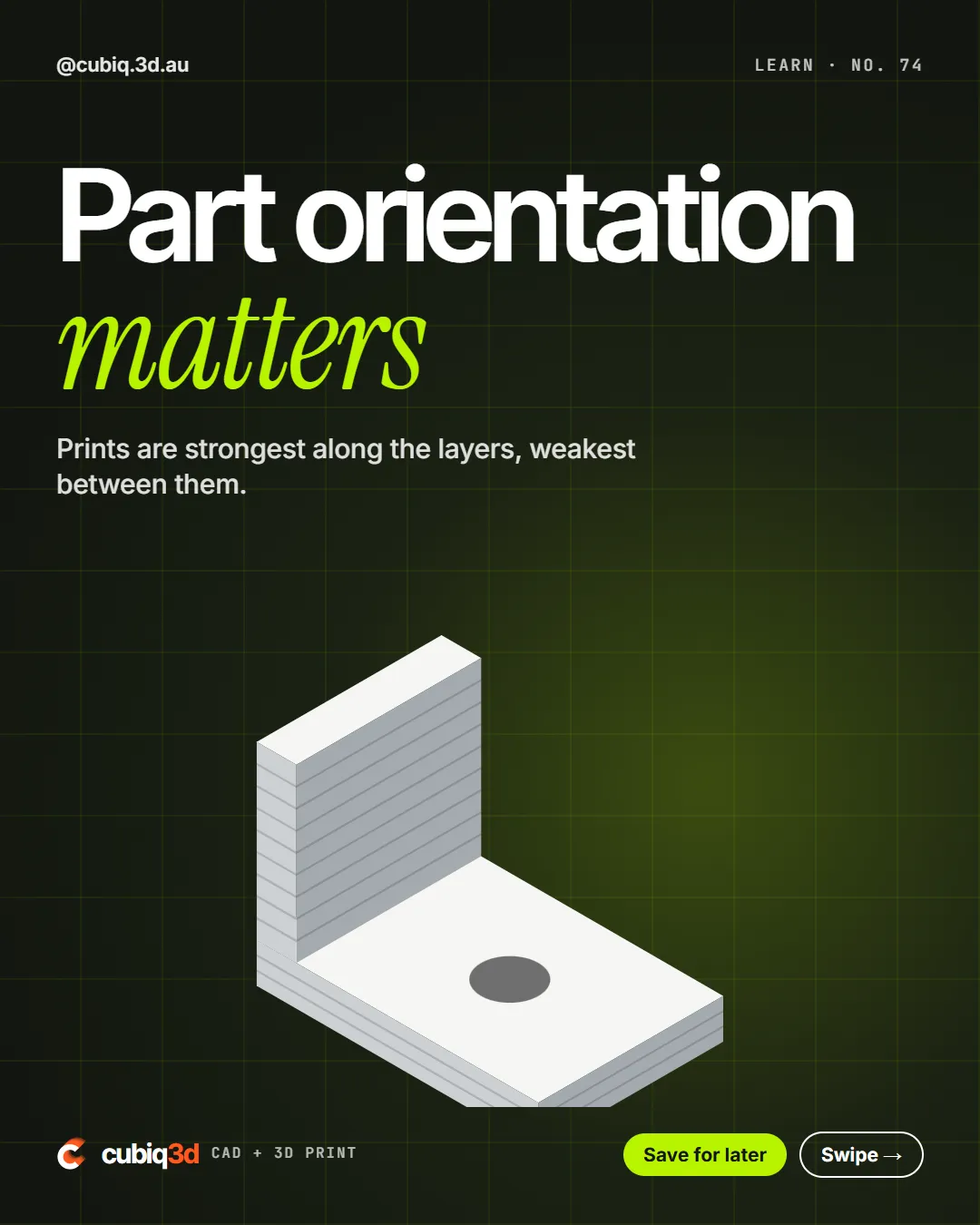
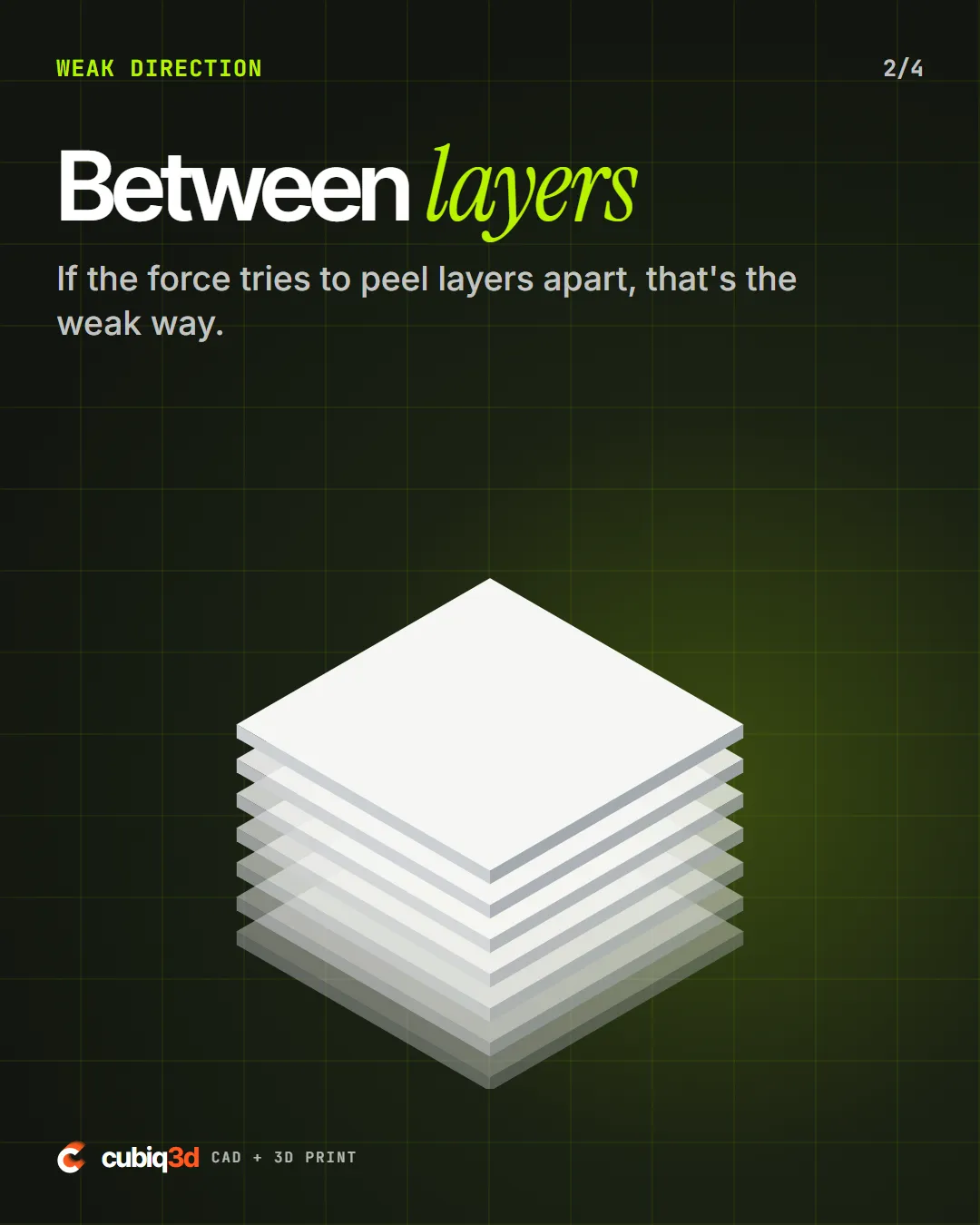
A filament printer builds a part from thin lines of molten plastic, layer on layer. Along a line, the plastic is continuous, like a fibre. Between layers, each new layer has to melt into the one below it and fuse. That bond is good, but it is rarely as strong as the continuous plastic within a layer. So a print behaves a bit like timber: strong along the grain, easier to split across it.
| Load direction | What happens | Strength |
|---|---|---|
| Along the layers (in the plane they were printed) | Load is carried by continuous lines of plastic | Strongest |
| Squeezing the layers together | Layers press on each other; compression is handled well | Good |
| Pulling the layers apart | Load sits on the bond between layers | Weakest |
| Bending across the layers | One side of the bend pulls the layers apart | Weak, and the usual failure |
3D print orientation for strength: a worked example
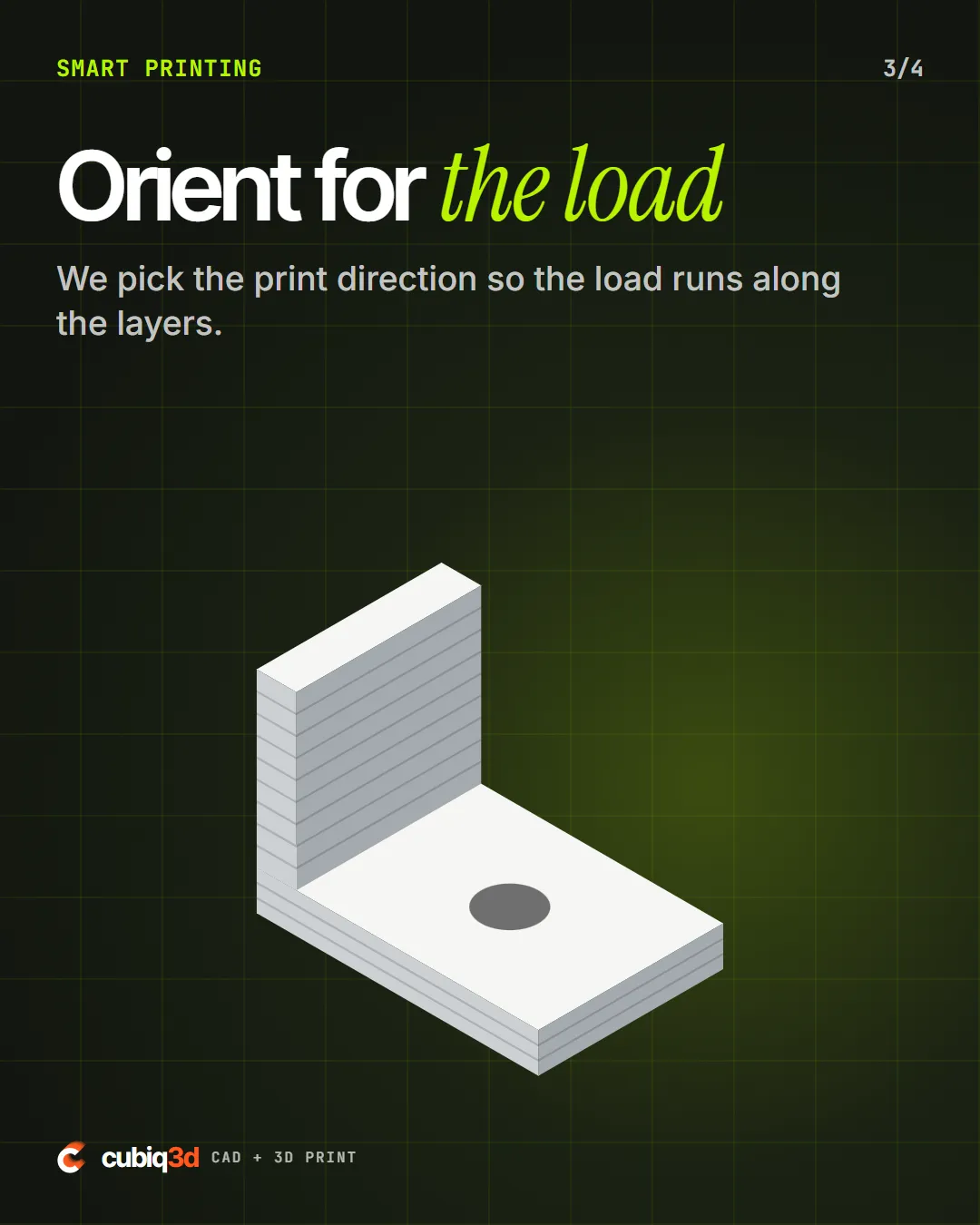
Take an L-shaped shelf bracket. Printed lying on its side, every layer is a complete L shape, so the corner, where the stress is highest, is made of continuous lines running around the bend. Printed standing upright, the vertical arm is a stack of layers, and the load on the shelf tries to bend that stack and peel it apart right at the corner. Same part, same plastic, and the upright one is the weak one.
Clips are the same story. A snap-fit arm has to flex every time it is used. If the arm runs along the layers, it bends like a spring. If the layers are stacked across the arm, the first flex can crack it at the base.
Orientation is a balance
Strength is not the only thing orientation changes. It also decides:
- Supports. Some orientations need scaffolding under overhangs, which leaves marks where it is removed.
- Surface finish. Faces on top and on the sides look different from faces printed against supports. Curved surfaces show layer steps more when they are nearly flat.
- Accuracy. Holes printed with their axis upright come out rounder than holes printed on their side.
- Warping. A big flat footprint on the bed is more likely to lift at the corners in plastics such as ABS.
- Print time. A tall orientation usually takes longer than a flat one.
When these pull in different directions, the load path usually wins for a functional part. For a display piece, finish wins. Sometimes we split a part into two pieces so that each one can be printed in its best orientation, then join them with pins or screws.
How we orient a part
- 1Find the loadWhat pushes, pulls or bends the part, and from which direction. Usually this comes from where it lives and how the old one broke.
- 2Find the critical featuresClip arms, hooks, thin tabs and the corners where they join the body are where the layers have to run the right way.
- 3Check the trade-offsSupports, finish on visible faces, hole accuracy and warping. If one orientation cannot serve them all, we change the design or split the part.
- 4Design for itFillets at corners, thicker roots on clip arms and chamfers instead of flat overhangs make the chosen orientation work better.
Quick question
What kind of part is it?
Orientation is part of every job on our 3D printing service, and it matters most for replacement parts that broke under load the first time.
Questions people ask
Which direction is a 3D print strongest?
Along its layers. The weakest direction is pulling the layers apart, so we orient parts so the main load runs along them.
Why did my 3D print snap cleanly along a line?
That line was a layer boundary. The load pulled the layers apart, which means the part was oriented with its layers across the load.
Does orientation matter for resin prints?
Less than for filament, because resin layers bond more uniformly, but orientation still affects supports, finish and accuracy.